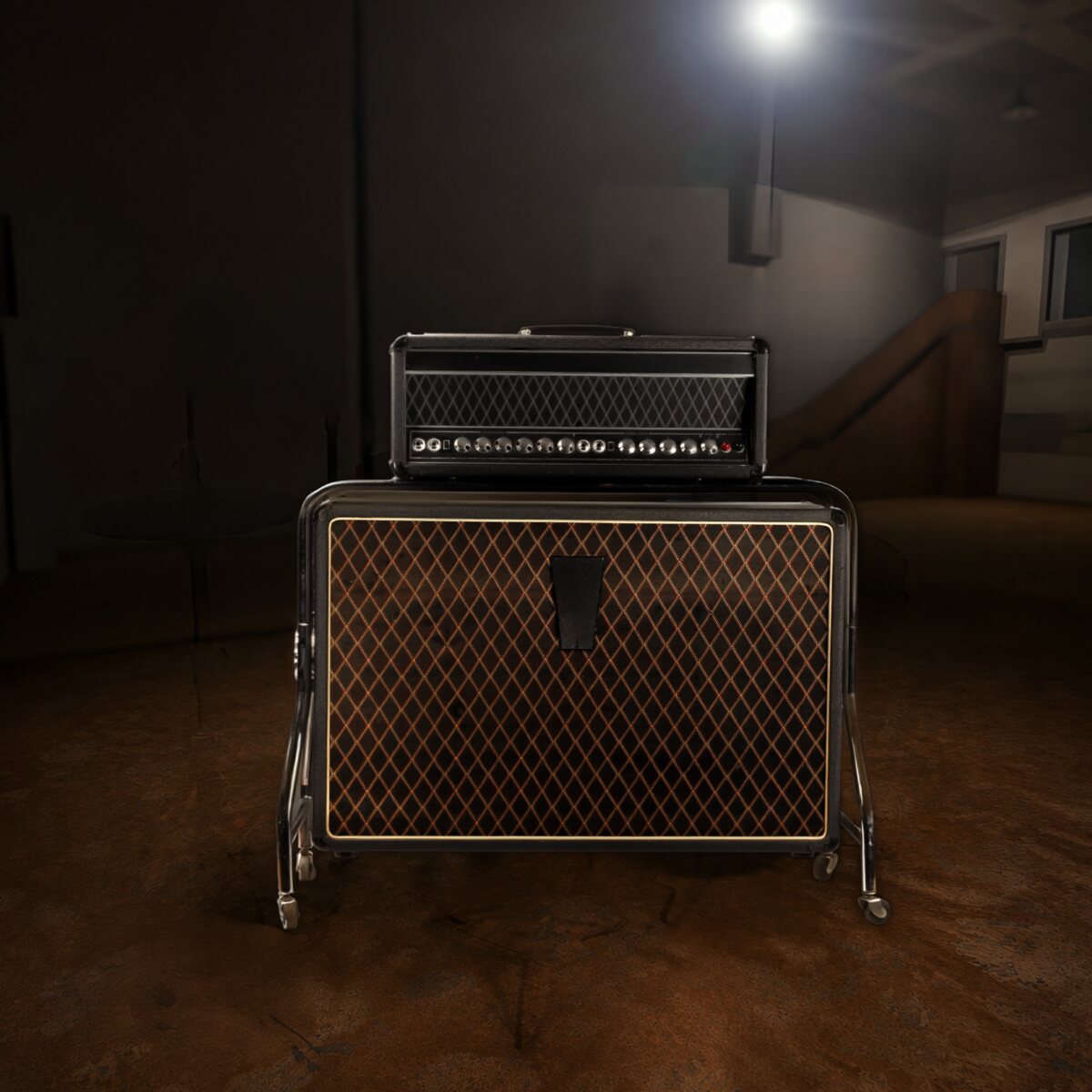
Gated Compressor / Mixer · Early '80s
A broadcast box with a dirty secret.
The story
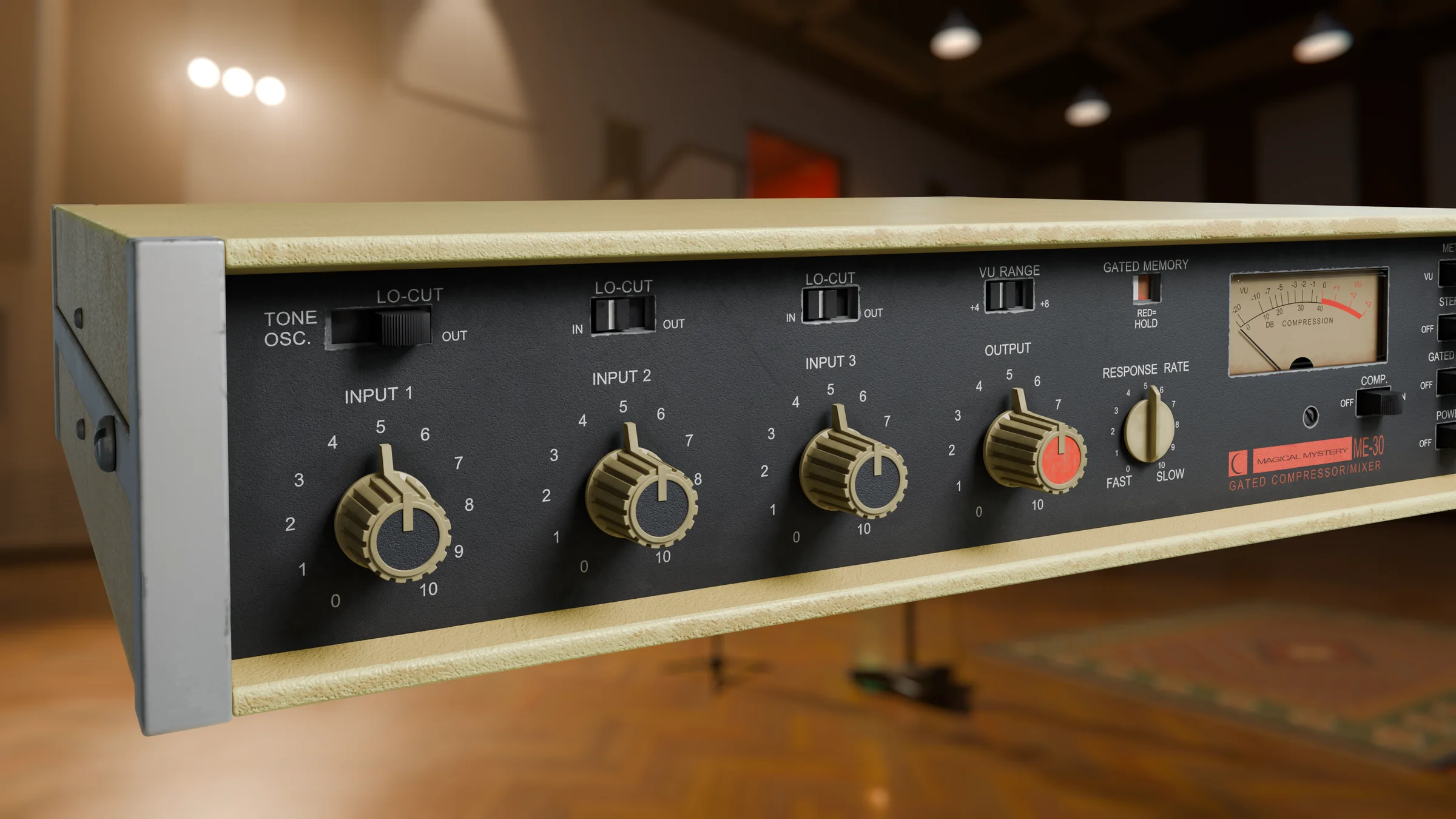
In the early '80s, broadcasters and location recordists needed one small box that could take a few microphones, keep the levels steady and stay quiet doing it. The ME-30 was that box: three inputs, a built-in compressor, an honest meter, and a clever trick called gated memory that stopped background noise creeping up whenever nobody was talking.
It did that job for years. Then it started turning up in recording studios, because engineers had found out what happens when you stop treating it politely. Drive the inputs and the compressor starts to grind: dense, gritty, a little unhinged, and impossible to get from a clean modern compressor. It became the quiet secret behind a lot of crunchy drum rooms and in-your-face vocals.
Our ME-30 is modelled on the real unit, switch for switch and knob for knob. It levels as smoothly as the original when you're gentle with it, and it misbehaves just as beautifully when you're not.
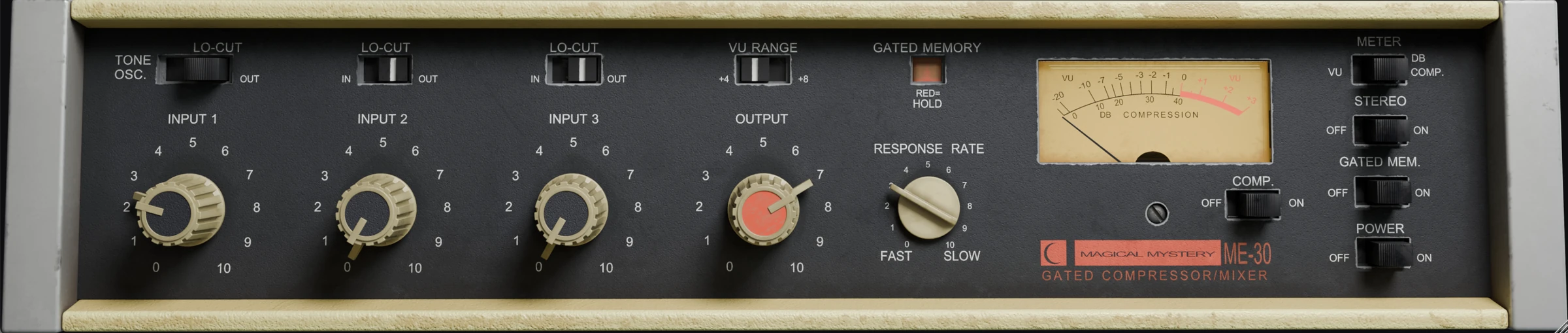
The controls
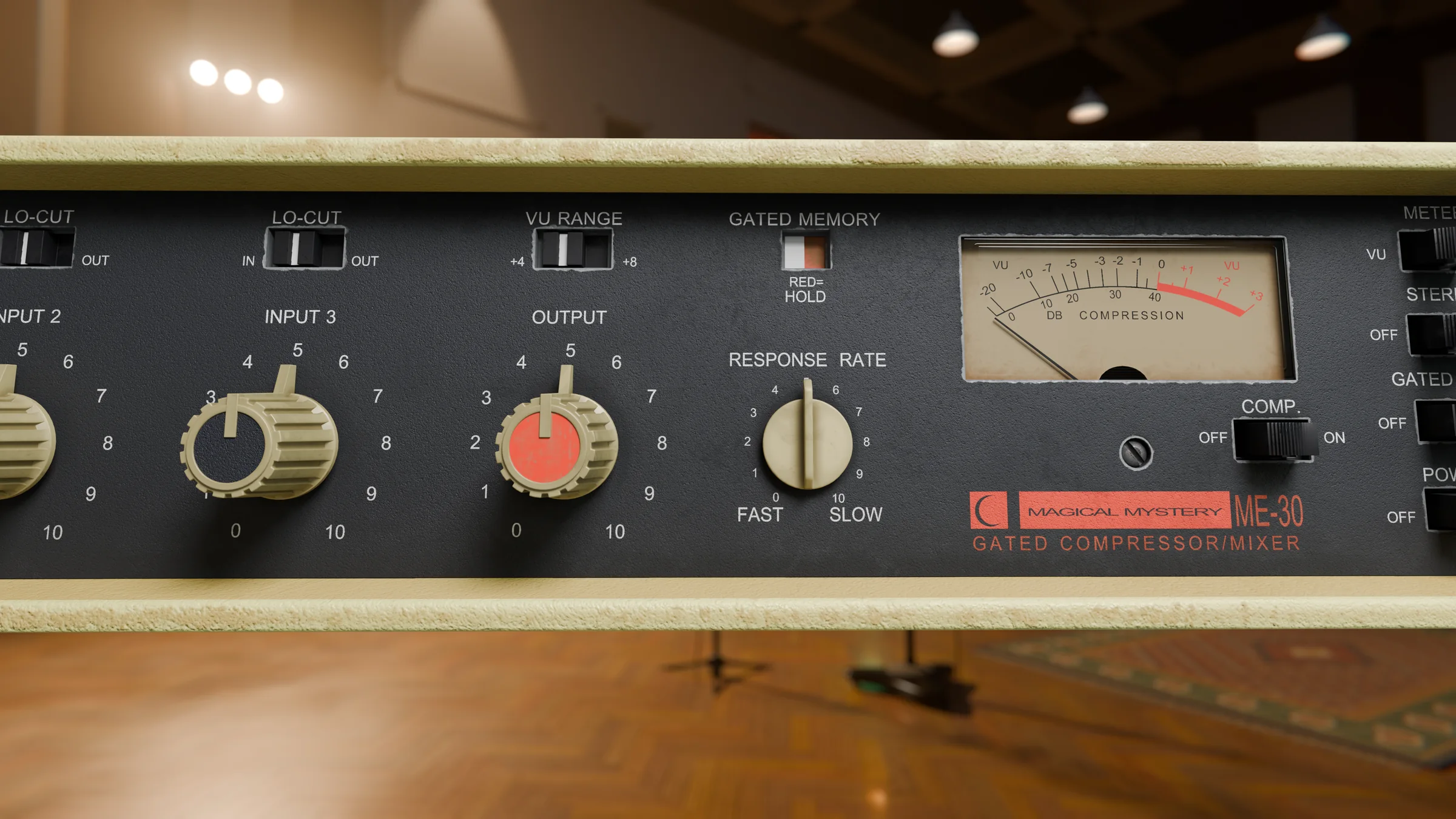
No redesigned layout and no hidden menus. If you've used the hardware, you already know your way around. If you haven't, here's what everything does.
Where it shines
Starting points to get you going. Every source is different, so trust your ears from here.
Put it on the room mics and push the input until the kit explodes. Fast response and the compressor on, then blend it in to taste.
Start hereInput 8 · Response 1 · Output 4
A moderate input and a slower response keep a vocal steady without flattening it. Gated memory stops breaths and room noise jumping up between lines.
Start hereInput 5 · Response 6 · Gated Mem. on
Evens out every note so the bass sits at one level in the mix, with a little extra growl on top.
Start hereInput 5 · Response 4 · Lo-Cut out
The job it was built for. Lo-cut in, slow response and gated memory on, and your voice stays at one steady, quiet-backed level.
Start hereInput 4 · Response 8 · Gated Mem. on
Put it on an aux, crank it hard, then sneak 10–20% of it under the drum bus or the whole mix for size and attitude.
Start hereInput 9 · Response 2 · Comp. on
Push the input high and pull the output down for broken-radio character on synths, guitars and samples.
Start hereInput 10 · Lo-Cut in · Output 3
Tech specs
Questions
No. The ME-30 has no copy protection and no activation. Download it, install it, and it works, even offline. We only ask that you don't share your copy.
Any host that loads VST3 or AU plugins, including Logic Pro, Ableton Live, FL Studio, Cubase, Studio One, Reaper and Bitwig. Pro Tools isn't supported at the moment, because it needs the AAX format.
Checkout happens through Gumroad. As soon as you've paid, you get a download link by email, and the plugin stays in your Gumroad library so you can download it again any time.
All of the computers you personally own or use, such as your studio machine and your laptop.
Yes. Every future update to the ME-30 is free for everyone who bought it.
Get in touch at support@magicalmysteryaudio.com and we'll do our best to fix it.